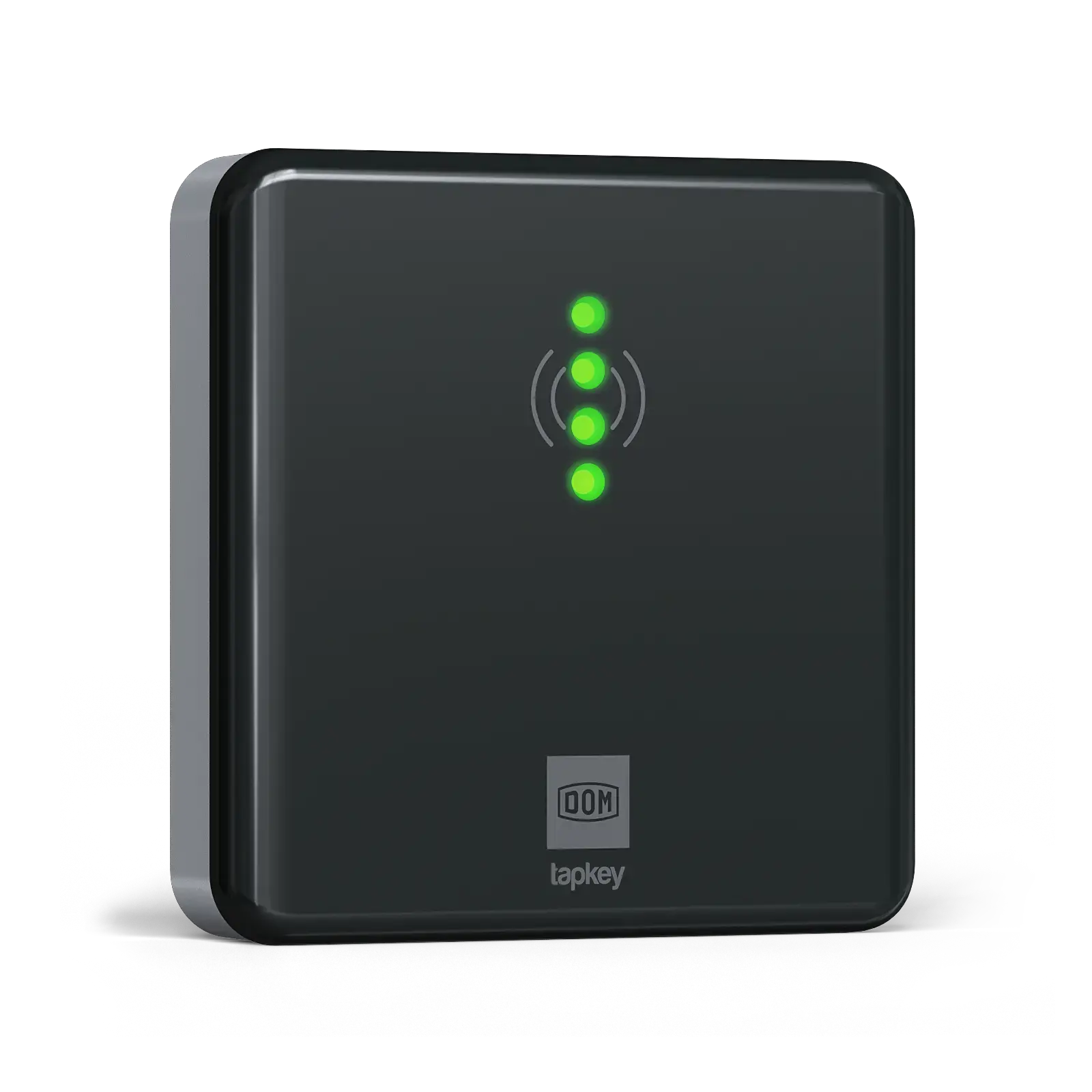
Download the "ENiQ Service App" mobile app from your Android or iOS smartphone. When you start the application, activate the NFC and the bluetooth (for V2) and find the device you want to update on the list. If the list doesn't appear, point your phone directly to the device to start the update. Make sure that you have a good internet connection during the updating process. Alternatively, you can pre-download the firmware if the device is mounted in an area with bad reception.
For all reader types, you can set the DIP switches according to your installation:
1, Default position : ON, RS485/RS232 interface for reader enabled/disabled
2, Default position : ON, Termination resistor enabled/disabled
3, Default position : OFF, Internal boot loader enabled (loading) / disabled (normal operation)
4, Default position : ON, Status LEDs enabled/disabled
There are a lot of colors combinations the readers can make, please take a look at the Manual of Signalisation.